Caterpillar Quest
A casual exploration game inspired by The Very Hungry Caterpillar, paired with a custom Arduino glove controller built from scratch.
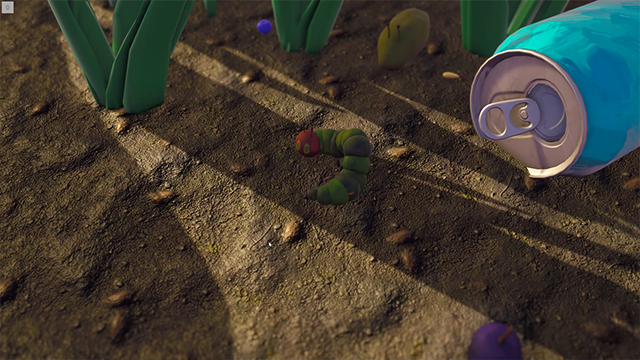
The Game
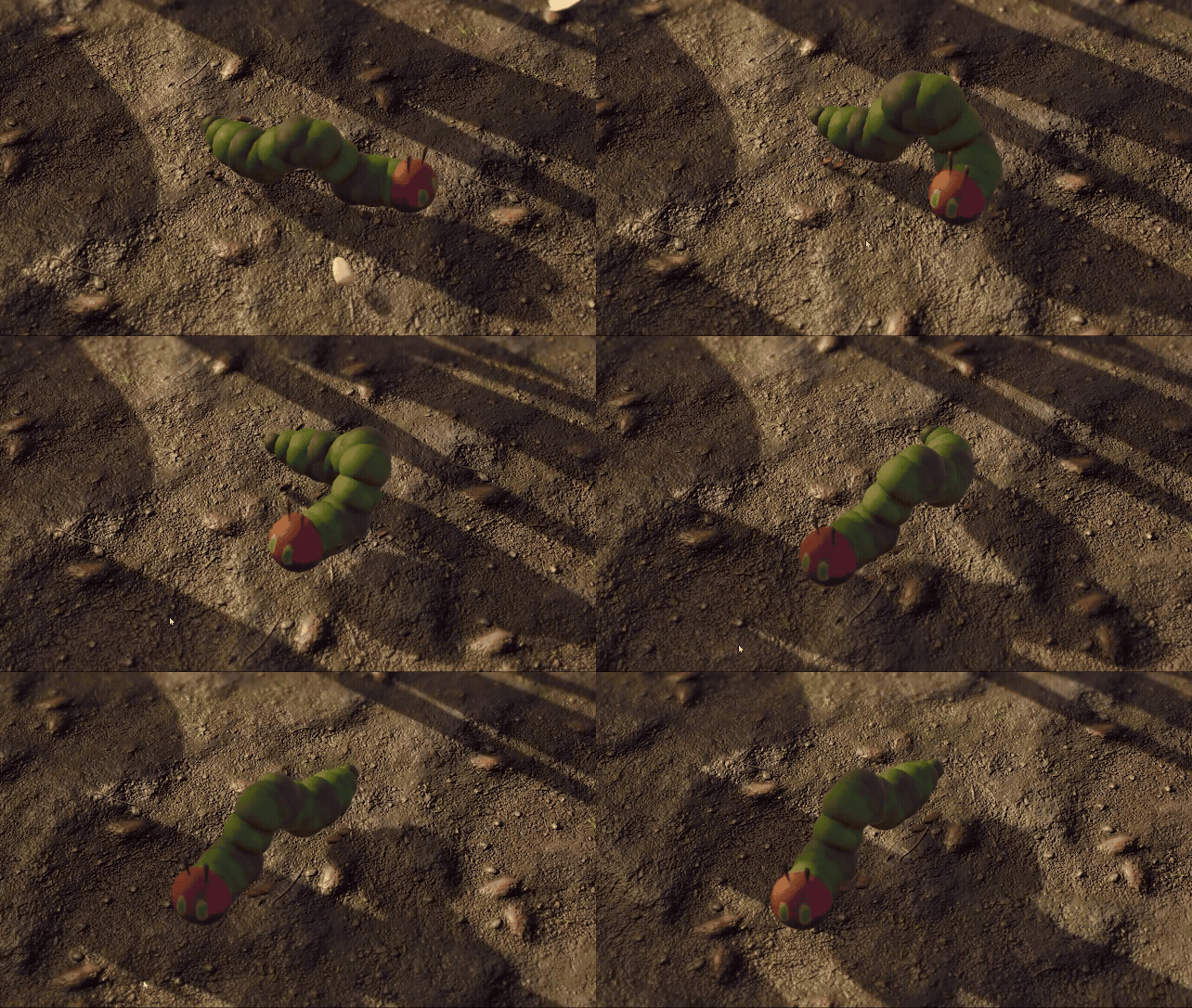
Players move the caterpillar toward the cursor and jump with right click. Eating food increases size, unlocking larger foods and new areas — but growing too large locks you out of smaller spaces you previously explored. Three levels progress from morning to evening to night, each with unique lighting and environmental challenges.
Food choices have strategic tradeoffs: blueberries grant a jump, strawberries give a speed boost. NPC interactions with a slug early on and a cat late game offer optional dialogue and perspective on the caterpillar's metamorphosis. Size is simultaneously progression and constraint — the central design tension.
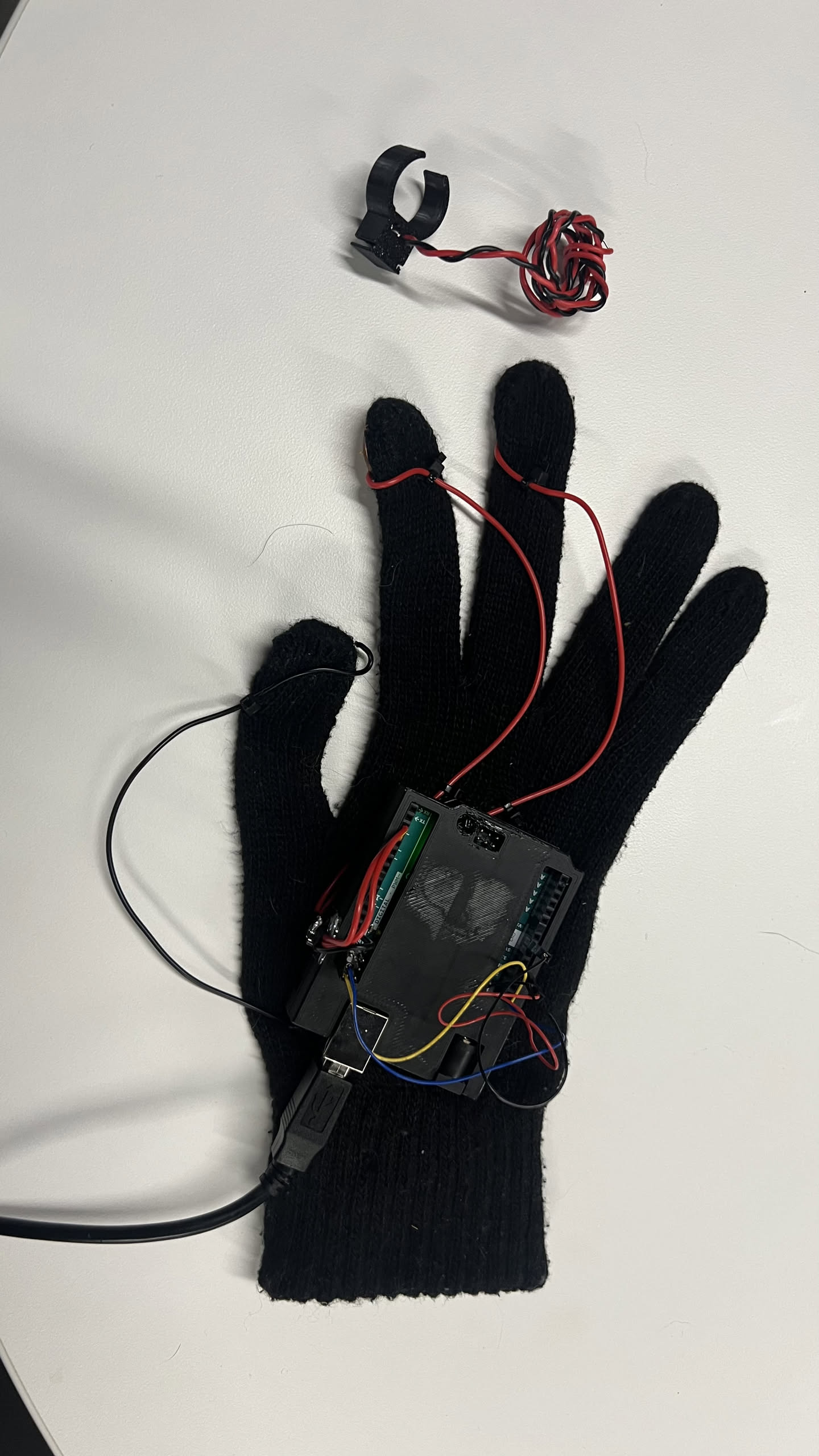
Custom Hardware Controller
I built a custom Arduino glove controller to pair with the game. An MPU6050 accelerometer tracks hand tilt and maps it directly to cursor position — level hand centers the cursor, tilting moves it proportionally. Penny buttons sewn into the glove fingers complete circuits when touched to a thumb ground, emulating left and right mouse clicks.
The first control scheme was velocity-based: the Arduino calculated movement vectors and PyAutoGUI moved the mouse relative to its current position. This produced choppy, drifting movement. Switching to pynput fixed choppiness but not the underlying problem — accelerometers measure force, not position, so velocity control was fundamentally mismatched to the hardware.
The fix was joystick-style absolute positioning. Cursor position is now mapped directly to tilt angle relative to a calibrated neutral. Hold level, cursor stays centered; tilt left, cursor moves left. Immediately more intuitive. The Python pipeline handles auto-detection, calibration, deadzone filtering, and scaling.
The hardware iterated too. Planned 3D-printed finger buttons with tactile switches were abandoned after impatient supergluing rendered both prototypes non-functional. We switched to pennies: drilled, soldered, and sewn into the glove. Not elegant, but it worked reliably through the entire playtest.
Playtesting
A blind playtest with five users surfaced the key issues: food was hard to spot against the environment, dialogue boxes blocked the view, and players wanted zoom control. We added food contrast, a progress bar, scroll-wheel zoom, and movement lock during dialogue. Players consistently cited movement and jumping as the most enjoyable parts.